
Play Pinata Wins Free Demo Online
Try the 5×3 Pinata Wins reels with cascades, gold framed symbols and bonus mechanics using a virtual balance.

Open Pinata Wins in your browser to inspect the controls, Paytable, cascades, gold framed symbols, Scatter symbols and Free Spins. The demo is a risk-free way to learn the game flow; its displayed credits stay inside the test session and have no withdrawal value.
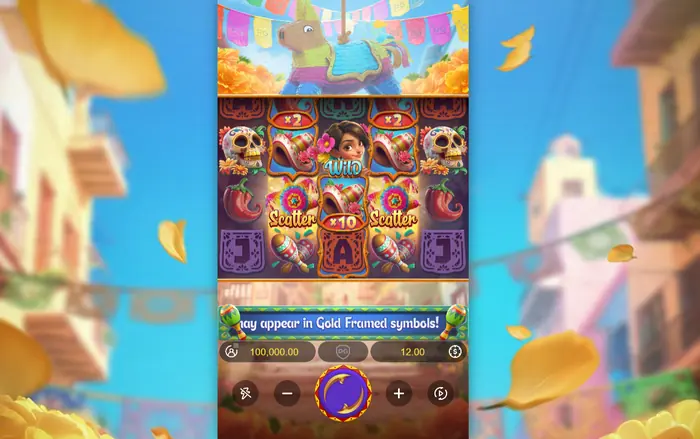
1 How to Launch the Pinata Wins Demo
Open Pinata Wins on this page, select the launch button and wait for the reels and controls to load. Check that free demo mode is active before pressing Spin. No real funds are required; if an outside provider requests registration, its access terms apply. You can also download the game for mobile access through the relevant page.
Your First Look Around the Game Window
When the 5×3 playfield appears, find Spin, the stake controls and the displayed balance. Rules, settings and the Paytable are available from the profile and menu areas. Check Bet Size, Bet Level and Bet Amount before the first test spin so you know which settings are active.
Using the Demo on Phone or Computer
The layout changes with the device, screen size and orientation. On a phone, the play window can arrange itself vertically and respond to touch; on a computer, browser scaling affects how much of the interface fits on screen. A reliable connection keeps loading and reel animations from being interrupted.
2 Demo Balance and Stake Controls
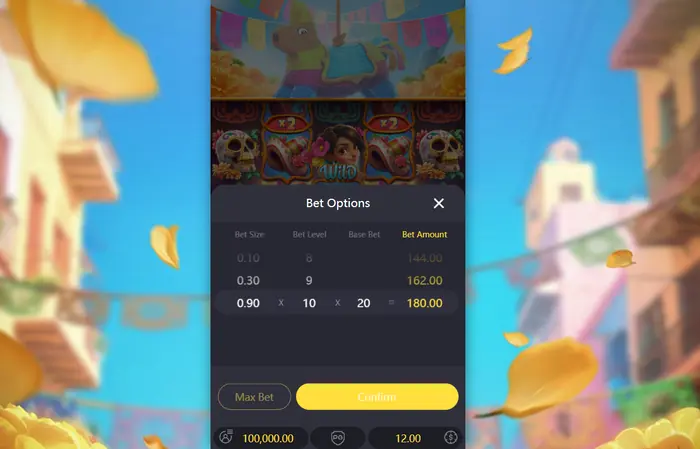
The balance is made up of temporary demo credits. They are confined to the test mode and cannot be exchanged or withdrawn. Open Bet Amount to inspect Bet Size and Bet Level; the rules list Bet Size values from 0.03 to 0.90 and Bet Level from 1 to 10, while the displayed Bet Amount depends on the implementation.
Choosing a Stake for Testing
A lower virtual stake lets one session run for longer, which is useful while you learn the menus and watch the cascades. Compare Bet Size, Bet Level and Bet Amount in the menu before spinning; together they show the current selection.
What Happens to the Demo Balance
Launching the game again can reset or refill the test balance. A restart also may not retain the earlier session history, so figures shown after reopening belong to the new demonstration.
3 What You Can Explore for Free
Use the test mode to follow the game cycle: choose a stake, spin, watch winning symbols disappear, and see new symbols fall into place. The interface also lets you inspect the Paytable, line wins, gold frames, Scatter symbols, Free Spins and the multiplier display when their rules are relevant to the current feature. The published RTP is 96.76%, but a short session cannot establish that long-term figure.
Symbols, Lines and Paytable Values
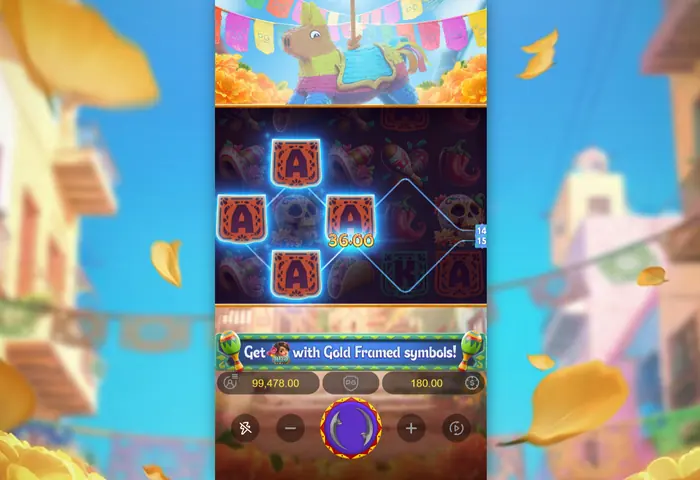
Open Paytable to connect each picture with its line payout. Pinata Wins uses 20 fixed lines; matching symbols must run from the leftmost reel, the best win on each line is paid, and wins on separate lines are added. Wild substitutes for every symbol except Scatter. The broader game explanation is in the About section.
| Symbol | 5 in a line | 4 in a line | 3 in a line |
|---|---|---|---|
| Skull | 1000 | 250 | 50 |
| Sombrero | 400 | 100 | 20 |
| Maracas | 200 | 50 | 15 |
| Taco | 150 | 40 | 10 |
| Chilli pepper | 100 | 20 | 5 |
| A, K, Q and J | 50 | 10 | 2 |
The table value is multiplied by Bet Size and Bet Level. Pinata and Wild symbols have no ordinary line payout here.
Watching the Bonus Trigger
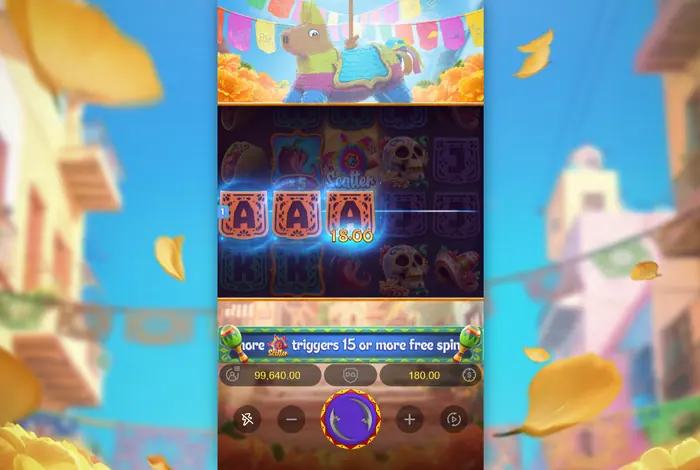
Scatter symbols can open the bonus during a test session. Watching the trigger is useful because it shows how the game leaves the base screen and enters Free Spins; the timing of that event remains random, so one demo run may stay in the base game.
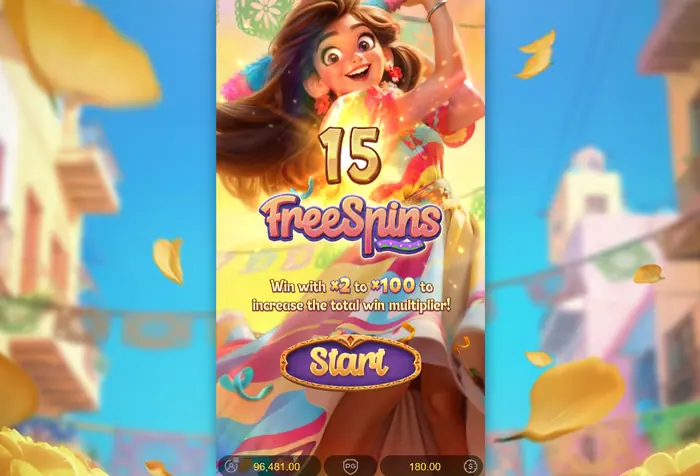
4 Free Spins in the Demo
Once Free Spins begin, multipliers collected during the feature stay above the reels and build through the bonus. Values range from x2 to x100. Gold framed symbols may land on reels 2, 3 and 4; when a framed symbol helped form the preceding win, it becomes Wild after the cascade. Wild and Scatter symbols cannot receive a gold frame.
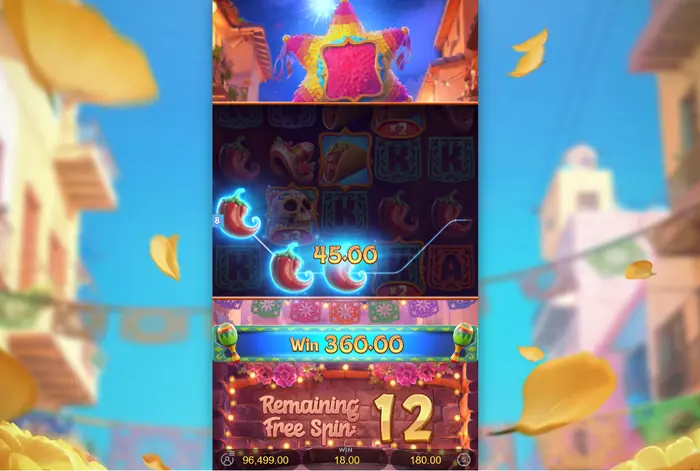
Spin Counter and Displayed Win
The counter tracks the remaining Free Spins, while the playfield shows wins gathered inside the feature. At the end of an individual Free Spin, its win is multiplied by the total collected during that spin when at least one multiplier was gathered. The amounts displayed here belong to the demo screen.
Why Test the Mechanics Rather Than a System
Use the demo to learn how controls, cascades, gold frames and bonus screens behave. Random results remain random: the game does not reveal the next combination or provide a method for beating it. A handful of observed spins is also insufficient to measure RTP.
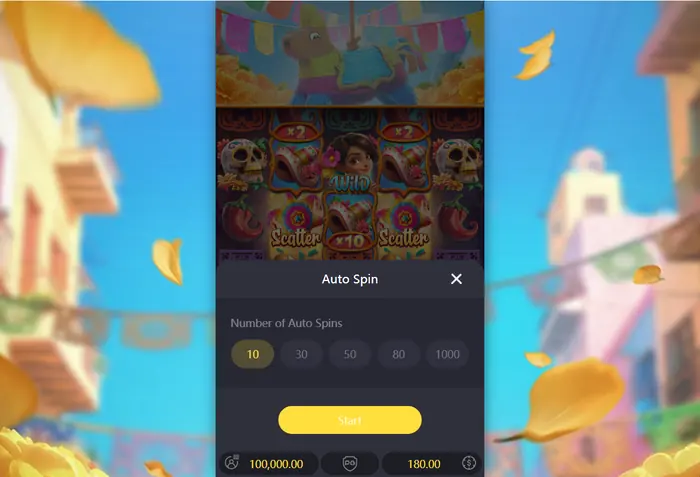
5 Auto Spin and Session Control
Auto Spin runs a chosen number of rounds and shows the remaining count on Stop. Review the active stake before starting, then monitor the sequence as it runs; automation changes the input method, not the odds. General play guidance is available on the Strategy page.
Setting the Number of Spins
Tap the number in Auto Spin and select the session length offered by your version of the game. Shorter runs are easier to observe while you are learning the interface, whereas a longer run requires less manual input.
Stopping and Restarting the Demo
Press Stop to end an active Auto Spin sequence. A regular spin can be interrupted with the controls shown in the game window. If the page freezes, check the connection, refresh it and launch the demo again; earlier results may disappear after the restart.
6 When the Demo Will Not Load
Start with a page refresh and a connection check. If the game window stays blank, try a current supported browser, pause an ad blocker that is interfering with the site, or switch to another supported device. Unofficial APK files should be avoided because their source and safety are unverified.
7 Explore the Other Game Sections
Read the game overview for the reels, symbols, cascades and payout rules. Use the strategy section for general session and bankroll considerations, and open the mobile access page when you need installation or device guidance. Each page answers a different practical question, while the demo is for learning the interface.
8 18 Plus Use and Demo Limits
Pinata Wins is intended for adults aged 18 and over. If you move from the demo to real-money play, check the age rules, local laws and personal limits that apply where you live. Treat the free mode as entertainment and practice, with no guarantee that its results will repeat.
FAQ
How do I start the Pinata Wins demo?
Open the game on the page, wait for the window to load, confirm that free mode is active and press Spin. If a platform asks for registration, use its stated access terms.
Does the demo balance have cash value?
No. The displayed credits are for testing inside the demo and cannot be withdrawn or exchanged. Relaunching the game can reset or refill them.
What do the gold framed symbols do?
They can appear on reels 2, 3 and 4, excluding Wild and Scatter. A framed symbol that contributed to the previous cascade win changes into Wild when the next symbols drop.
How are Free Spins activated?
Three Scatter symbols anywhere trigger 15 Free Spins, with 2 more added for each extra Scatter. Multipliers collected during the feature remain above the reels until the bonus ends.